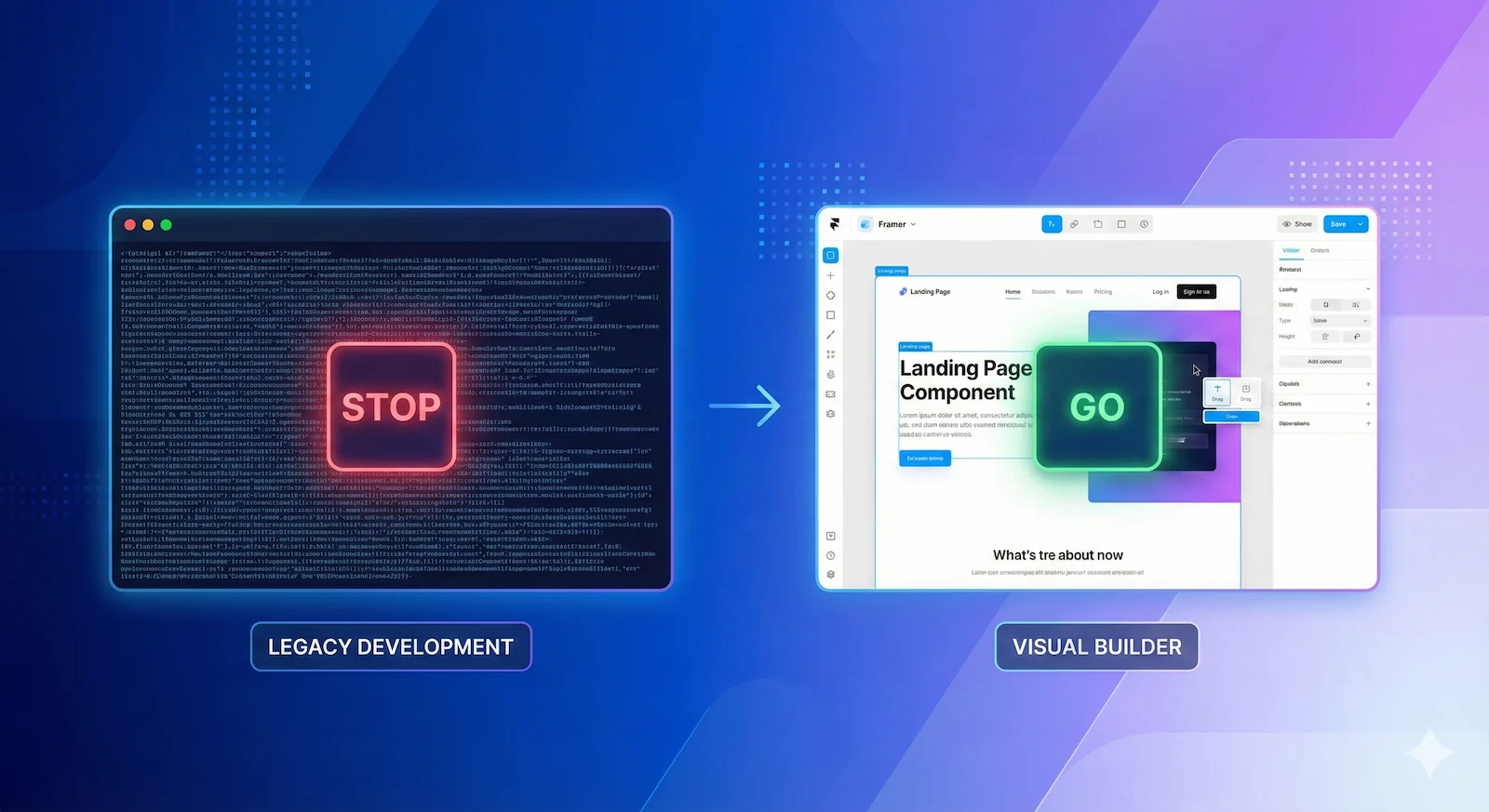

The "Developer Handoff" is where great design goes to die.
You spend weeks in Figma perfecting your typography, grid systems, and spacing. Then you hand it to a developer. Two weeks later, you get a link back. The margins are wrong. The animations are stiff. The soul of the design is gone.
This is the gap between "Vision" and "Implementation." And for modern brands, that gap is unacceptable.
The Tooling Wars
We stopped using Webflow for creative builds because the learning curve for designers is too high. We use Framer because it shares the same mental model as Figma.
The "Lost in Translation" Problem
Traditional frontend development requires translating a visual canvas (Figma) into a logic-based language (HTML/CSS). This translation layer is where errors happen.
Developers prioritize function. Designers prioritize feeling. When these priorities clash, the design always suffers.
- Spacing Drift: 24px padding becomes 20px because "it looked close enough."
- Animation Apathy: Complex interaction specs are ignored because they are "too hard to code."
- Responsive Breakage: The mobile version looks like a stacked list of blocks.
The Framer Advantage
Framer changes the physics of web development. It is the first tool that allows us to import visual logic directly.
Because Framer is React-based but visually edited, there is no "handoff." The design canvas is the production environment.
| Workflow | Standard Dev | Framer Sync |
|---|---|---|
| Visual Fidelity | 80% Match | 100% Match |
| Animation | Custom JS (Slow) | Native Magic Motion |
| Iteration Speed | Days/Weeks | Minutes |
My "Optical Adjustment" Protocol
Even with Framer, you need a specialist. I don't just "copy-paste." I use a strict migration protocol to ensure the site feels premium:
- Fluid Typography: I convert your static Figma pixels into `clamp()` functions so text scales perfectly on every device.
- Component Architecture: I rebuild your Figma components as React components in Framer, keeping your system scalable.
- Interaction Polish: I add the hover states, scrolls, and reveals that you imagined but couldn't prototype.
Execute Your
Vision perfectly.
Send me your Figma file. I will return a live, responsive, pixel-perfect Framer site in 10 Days.
Start The Build